A Letter to You
Showing posts with label Free Blog Skins. Show all posts

Friday, April 10, 2009

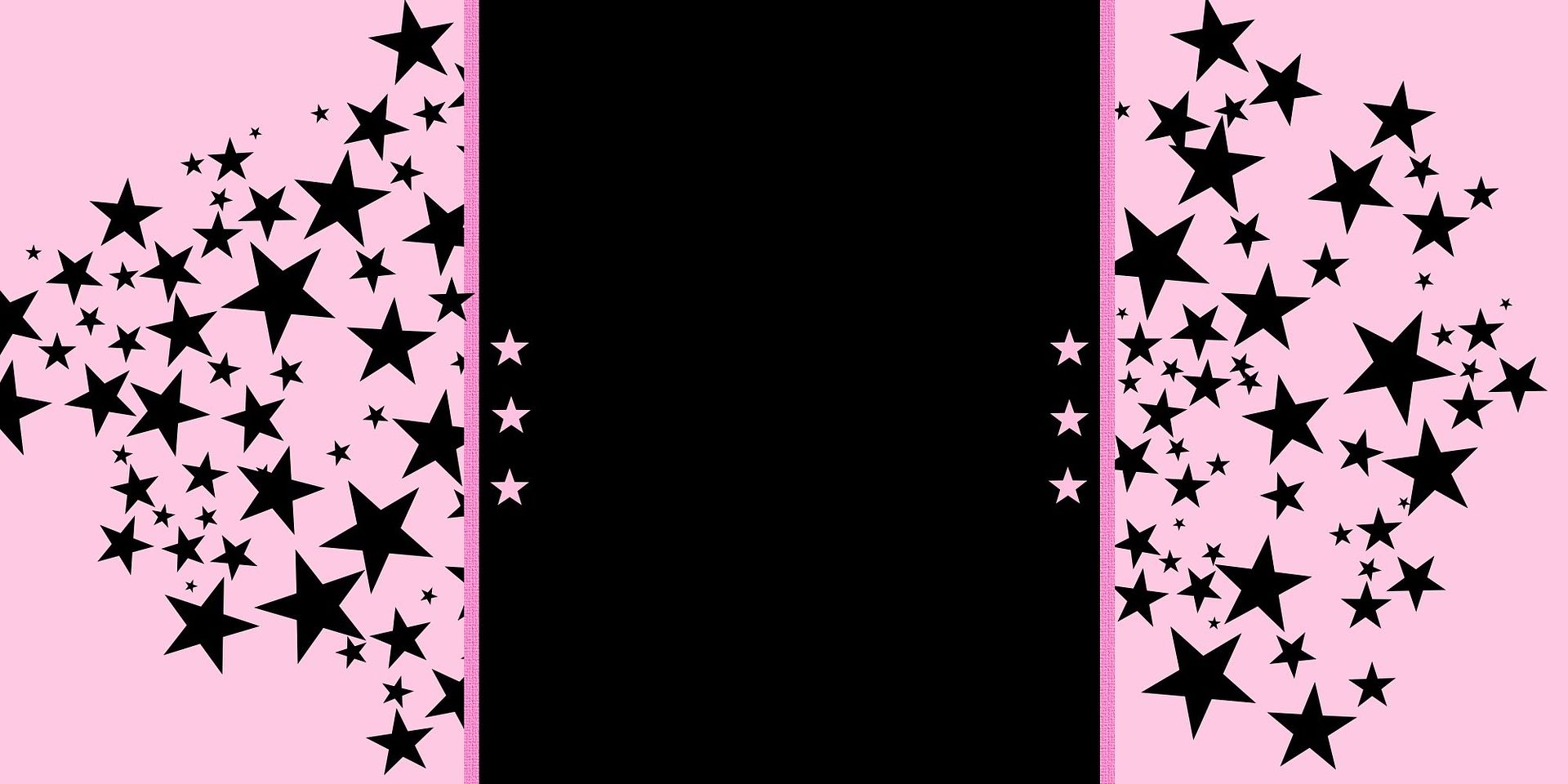
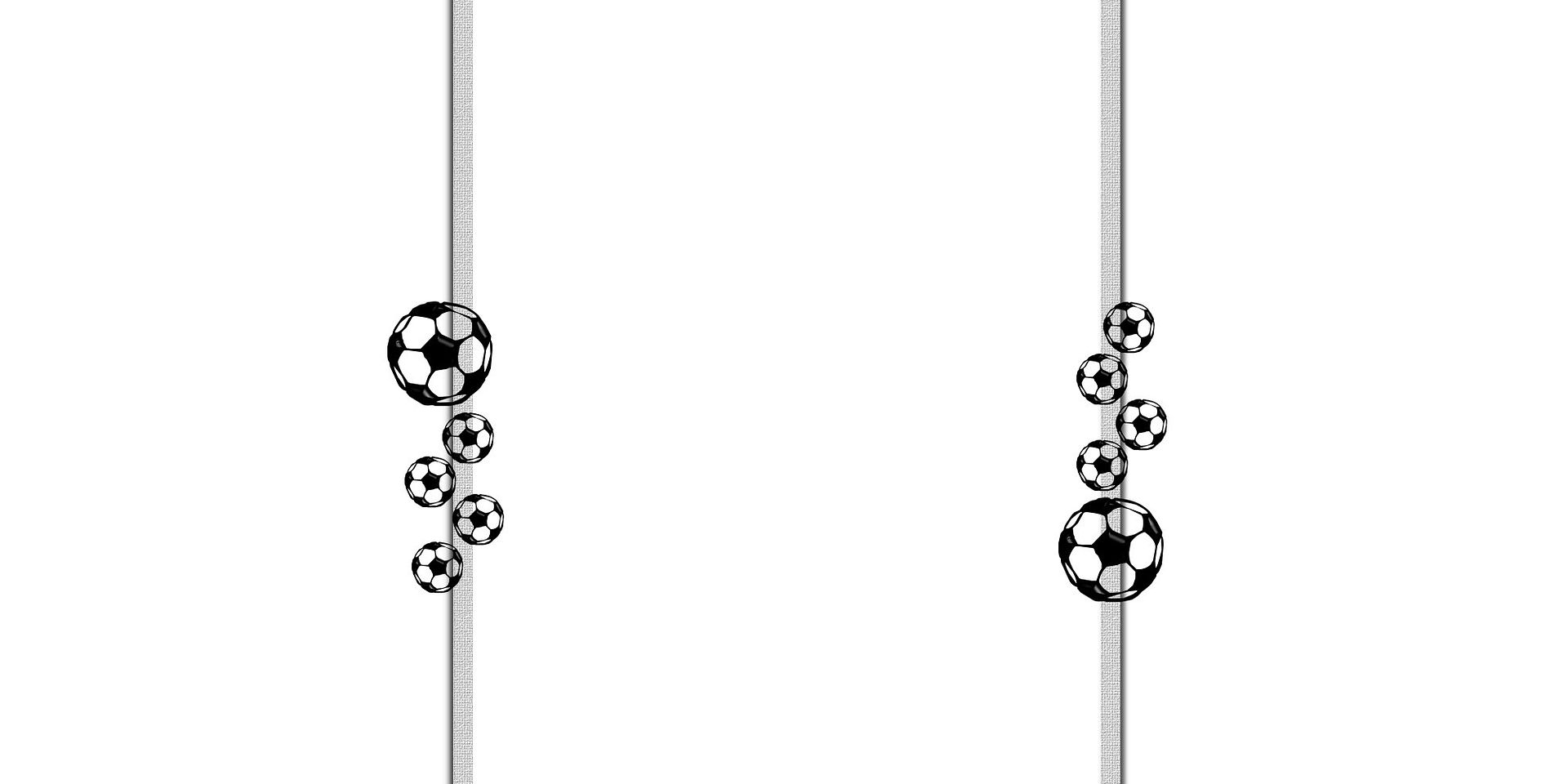
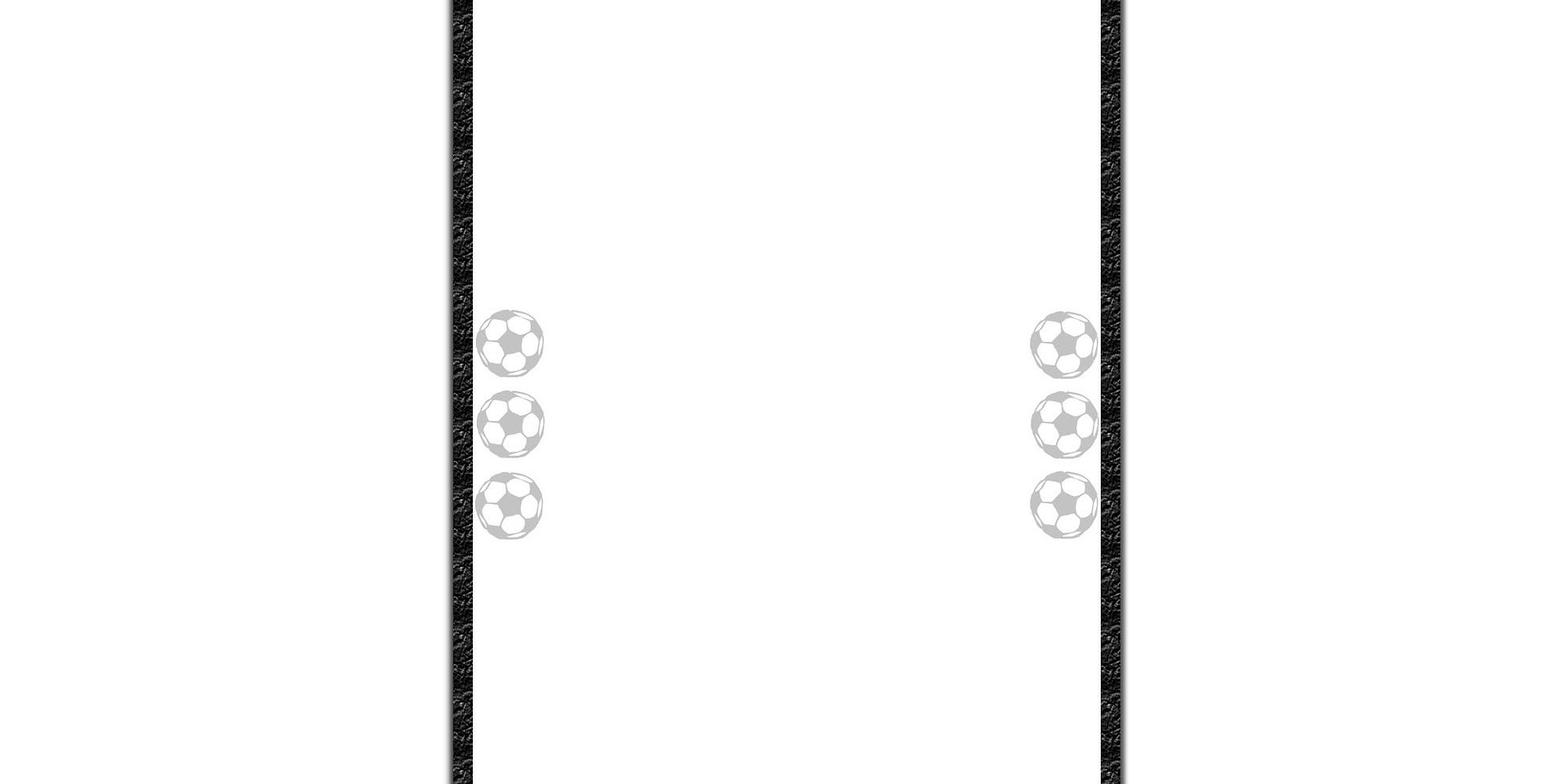
Stars and Soccer Balls

It's Aloha Friday! Hope you have some fun stuff planned for Easter on Sunday! I think we'll be doing a little hunt for the cousins... good stuff!
Anywho!
Here are 3 more bloggy backgrounds for you guys!! Instructions for using them are at the botton of the post. Enjoy!
__________________________________________

Sweet Nothings


__________________________________________

Sweet Nothings


__________________________________________

Sweet Nothings


___________________________________________
Instructions for using skins:

*Works best with "minima" template.

Login to blogger.

Go to "Layout"

"Add a Gadget"

Add" HTML/JavaScript"

Insert "the code"

Leave the title blank.

"Save."

"View Blog."

If you love 'em, let me know! Feel free to let others know about it as well! Also, if you like a certain color scheme let me know, and I'll see what I can come up with! Have a GREAT WEEKEND!!!!


Friday, March 13, 2009

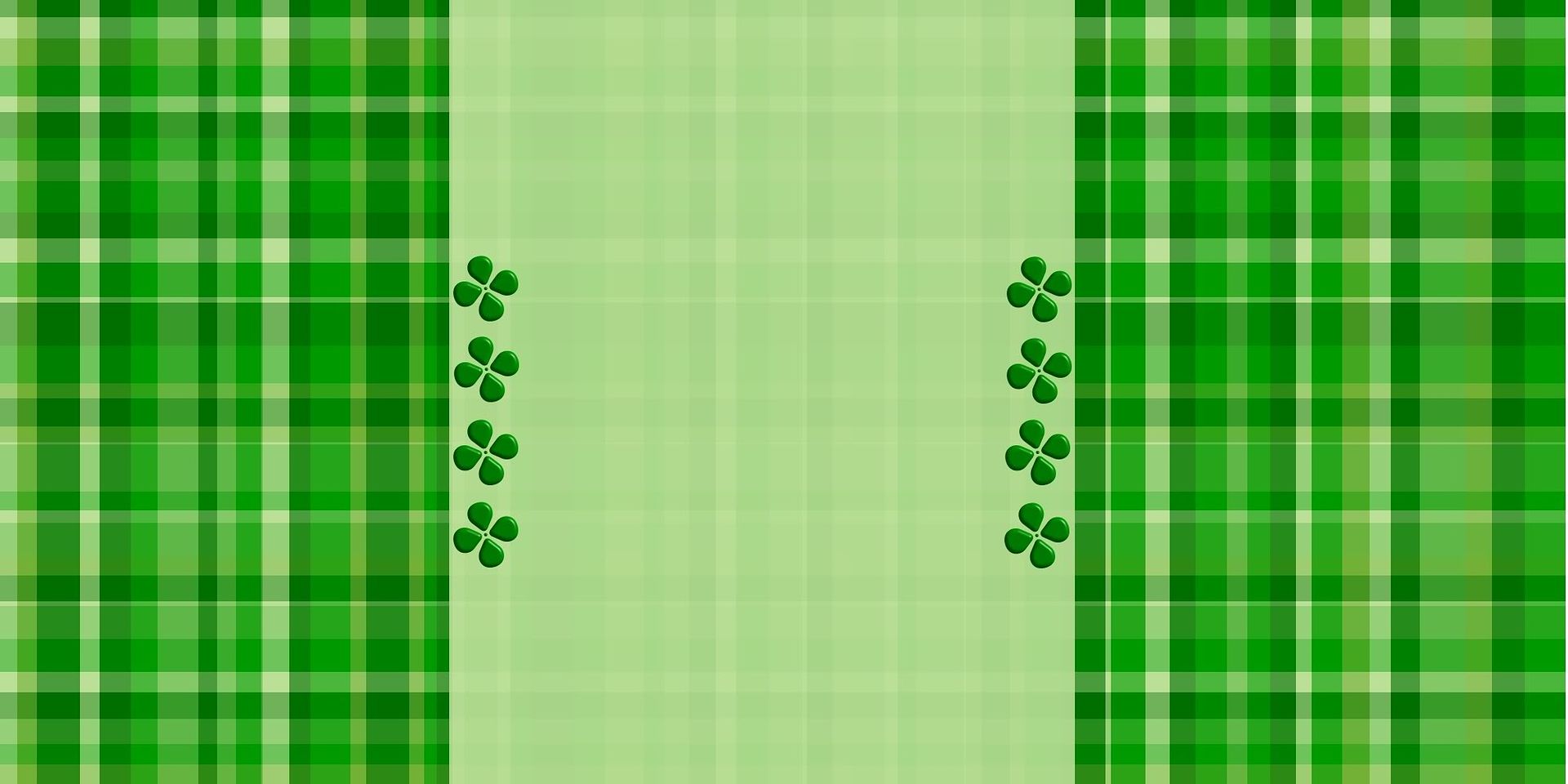
Happy Patty's Day Blog Skin!

Well I have one blog skin for you!! It's a fun GREEN plaid style... ENJOY!!!

_____________________________________________

Happy St. Patrick's Day!!
(if you can't see the code - it's there, just highlight in the box)


<style type="text/css">
body {background-image: url("http://i368.photobucket.com/albums/oo129/BlogAddict/pattysday2.jpg"); background-position: center; background-repeat: no-repeat; background-attachment: fixed; }
</style>
<div id="tag" style="position:absolute; left:0px; top:30px; z-index:50; width:150px; height:45px;">
<a href="http://theladyisablogger.blogspot.com" target="_blank">
<img border="0" src="http://i368.photobucket.com/albums/oo129/BlogAddict/tag/tag-1.jpg"/>
</a></div>
_____________________________________________
Instructions for using skins:

*Works best with "minima" template.

Login to blogger.

Go to "Layout"

"Add a Gadget"

Add" HTML/JavaScript"

Insert "the code"

Leave the title blank.

"Save."

"View Blog."

If you love 'em, let me know! Feel free to let others know about it as well! Also, if you like a certain color scheme let me know, and I'll see what I can come up with! Have a GREAT WEEKEND!!!!


Friday, March 6, 2009

Free Blog Skins!

Sorry I missed the past couple of weeks! So, here are today's skins and their codes... (instructions below)

_____________________________________________

Pink Hearts


<style type="text/css">
body {background-image: url("http://i368.photobucket.com/albums/oo129/BlogAddict/pinkhearts.jpg"); background-position: center; background-repeat: no-repeat; background-attachment: fixed; }
</style>
<div id="tag" style="position:absolute; left:0px; top:30px; z-index:50; width:150px; height:45px;">
<a href="http://theladyisablogger.blogspot.com" target="_blank">
<img border="0" src="http://i368.photobucket.com/albums/oo129/BlogAddict/tag/tag-1.jpg"/>
</a></div>
_____________________________________________

Rainbow Lights


<style type="text/css">
body {background-image: url("http://i368.photobucket.com/albums/oo129/BlogAddict/fireflies.jpg"); background-position: center; background-repeat: no-repeat; background-attachment: fixed; }
</style>
<div id="tag" style="position:absolute; left:0px; top:30px; z-index:50; width:150px; height:45px;">
<a href="http://theladyisablogger.blogspot.com" target="_blank">
<img border="0" src="http://i368.photobucket.com/albums/oo129/BlogAddict/tag/tag-1.jpg"/>
</a></div>

____________________________________________

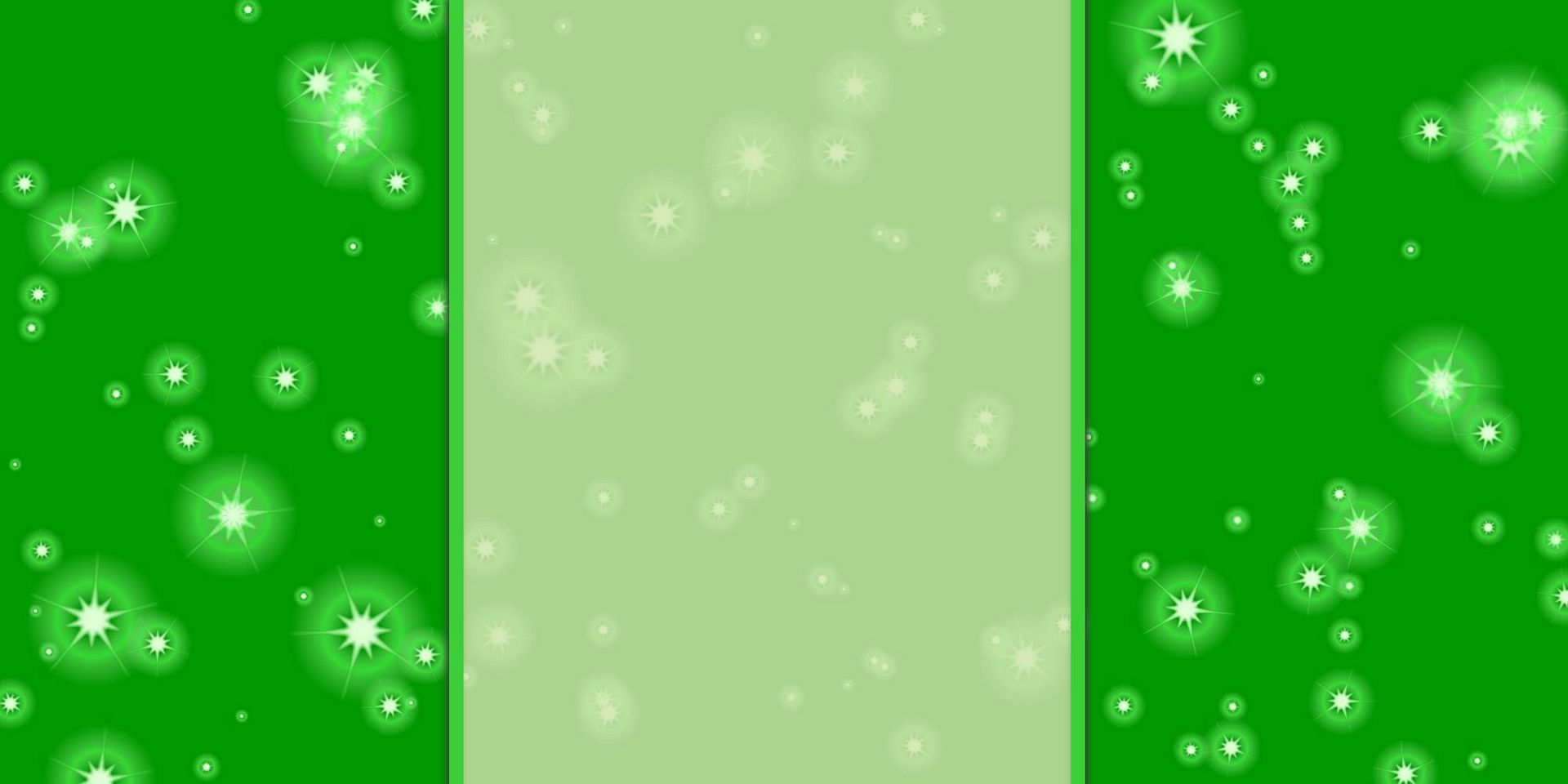
Green Stars


<style type="text/css">
body {background-image: url("http://i368.photobucket.com/albums/oo129/BlogAddict/greenstars.jpg"); background-position: center; background-repeat: no-repeat; background-attachment: fixed; }
</style>
<div id="tag" style="position:absolute; left:0px; top:30px; z-index:50; width:150px; height:45px;">
<a href="http://theladyisablogger.blogspot.com" target="_blank">
<img border="0" src="http://i368.photobucket.com/albums/oo129/BlogAddict/tag/tag-1.jpg"/>
</a></div>
_____________________________________________

Bubbles


<style type="text/css">
body {background-image: url("http://i368.photobucket.com/albums/oo129/BlogAddict/bubbles.jpg"); background-position: center; background-repeat: no-repeat; background-attachment: fixed; }
</style>
<div id="tag" style="position:absolute; left:0px; top:30px; z-index:50; width:150px; height:45px;">
<a href="http://theladyisablogger.blogspot.com" target="_blank">
<img border="0" src="http://i368.photobucket.com/albums/oo129/BlogAddict/tag/tag-1.jpg"/>
</a></div>
_____________________________________________

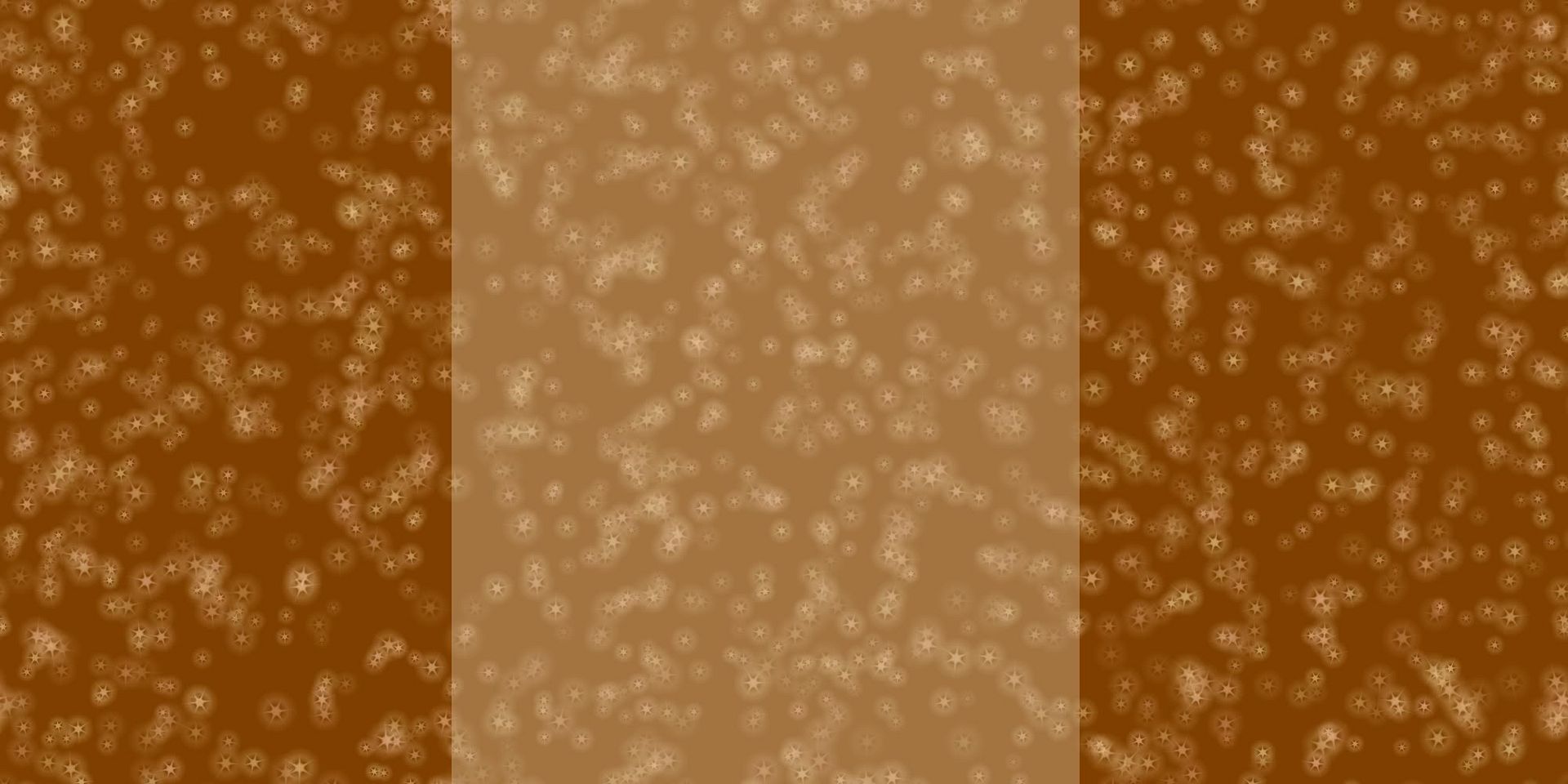
Brown Stars


<style type="text/css">
body {background-image: url("http://i368.photobucket.com/albums/oo129/BlogAddict/brownstars.jpg"); background-position: center; background-repeat: no-repeat; background-attachment: fixed; }
</style>
<div id="tag" style="position:absolute; left:0px; top:30px; z-index:50; width:150px; height:45px;">
<a href="http://theladyisablogger.blogspot.com" target="_blank">
<img border="0" src="http://i368.photobucket.com/albums/oo129/BlogAddict/tag/tag-1.jpg"/>
</a></div>
_____________________________________________

Instructions for using skins:

*Works best with "minima" template.

Login to blogger.

Go to "Layout"

"Add a Gadget"

Add" HTML/JavaScript"

Insert "the code"

Leave the title blank.

"Save."

"View Blog."

If you love 'em, let me know! Feel free to let others know about it as well! Also, if you like a certain color scheme let me know, and I'll see what I can come up with! Have a GREAT WEEKEND!!!!


Friday, February 13, 2009

Friday Blog Skins!


Because I like you guys, and because I enjoy creating these blog skins, from now on, on Fridays, I will post a few new free blog skins! That simple!!!

So, here are today's skins and their codes... (instructions below)

_____________________________________________

Blue & Red Stars


<style type="text/css">
body {background-image: url("http://i368.photobucket.com/albums/oo129/BlogAddict/blueredstars.jpg"); background-position: center; background-repeat: no-repeat; background-attachment: fixed; }
</style>
<div id="tag" style="position:absolute; left:0px; top:30px; z-index:50; width:150px; height:45px;">
<a href="http://theladyisablogger.blogspot.com" target="_blank">
<img border="0" src="http://i368.photobucket.com/albums/oo129/BlogAddict/tag/tag-1.jpg"/>
</a></div>
_____________________________________________
Baby Blue Dots


<style type="text/css">
body {background-image: url("http://i368.photobucket.com/albums/oo129/BlogAddict/blueribbondot.jpg"); background-position: center; background-repeat: no-repeat; background-attachment: fixed; }
</style>
<div id="tag" style="position:absolute; left:0px; top:30px; z-index:50; width:150px; height:45px;">
<a href="http://theladyisablogger.blogspot.com" target="_blank">
<img border="0" src="http://i368.photobucket.com/albums/oo129/BlogAddict/tag/tag-1.jpg"/>
</a></div>

____________________________________________

Simple Green Decor


<style type="text/css">
body {background-image: url("http://i368.photobucket.com/albums/oo129/BlogAddict/simplegreendecor.jpg"); background-position: center; background-repeat: no-repeat; background-attachment: fixed; }
</style>
<div id="tag" style="position:absolute; left:0px; top:30px; z-index:50; width:150px; height:45px;">
<a href="http://theladyisablogger.blogspot.com" target="_blank">
<img border="0" src="http://i368.photobucket.com/albums/oo129/BlogAddict/tag/tag-1.jpg"/>
</a></div>
_____________________________________________

Sunset Flowers


<style type="text/css">
body {background-image: url("http://i368.photobucket.com/albums/oo129/BlogAddict/orangeflowers2.jpg"); background-position: center; background-repeat: no-repeat; background-attachment: fixed; }
</style>
<div id="tag" style="position:absolute; left:0px; top:30px; z-index:50; width:150px; height:45px;">
<a href="http://theladyisablogger.blogspot.com" target="_blank">
<img border="0" src="http://i368.photobucket.com/albums/oo129/BlogAddict/tag/tag-1.jpg"/>
</a></div>
_____________________________________________

Tropical Greens


<style type="text/css">
body {background-image: url("http://i368.photobucket.com/albums/oo129/BlogAddict/pinkgreenblackflowersfabric.jpg"); background-position: center; background-repeat: no-repeat; background-attachment: fixed; }
</style>
<div id="tag" style="position:absolute; left:0px; top:30px; z-index:50; width:150px; height:45px;">
<a href="http://theladyisablogger.blogspot.com" target="_blank">
<img border="0" src="http://i368.photobucket.com/albums/oo129/BlogAddict/tag/tag-1.jpg"/>
</a></div>
_____________________________________________

Tropical Fuschia


<style type="text/css">
body {background-image: url("http://i368.photobucket.com/albums/oo129/BlogAddict/fushiagreenblackflowersfabric.jpg"); background-position: center; background-repeat: no-repeat; background-attachment: fixed; }
</style>
<div id="tag" style="position:absolute; left:0px; top:30px; z-index:50; width:150px; height:45px;">
<a href="http://theladyisablogger.blogspot.com" target="_blank">
<img border="0" src="http://i368.photobucket.com/albums/oo129/BlogAddict/tag/tag-1.jpg"/>
</a></div>
_____________________________________________

Instructions for using skins:

*Works best with "minima" template.

Login to blogger.

Go to "Layout"

"Add a Gadget"

Add" HTML/JavaScript"

Insert "the code"

Leave the title blank.

"Save."

"View Blog."

If you love 'em, let me know! Feel free to let others know about it as well! Also, if you like a certain color scheme let me know, and I'll see what I can come up with! Have a GREAT WEEKEND!!!!


Friday, February 6, 2009

Get some SKIN! (For your blog, that is!)

It's that day of the week!!!! ALOHA FRIDAY!!!! I mean, "Win a Skin Friday!"
how it works:

On Friday (as soon as I get around to it) I post a handful of backgrounds (or SKINS for your blog) that I've made along with the codes (EASY to Insert!). I've decided to leave the codes for these. That simple! Enjoy!

So, here are today's skins and their codes... (instructions below)

_____________________________________________


<style type="text/css">
body {background-image: url("http://i368.photobucket.com/albums/oo129/BlogAddict/bwredhzskin.jpg"); background-position: center; background-repeat: no-repeat; background-attachment: fixed; }
</style>
<div id="tag" style="position:absolute; left:0px; top:30px; z-index:50; width:150px; height:45px;">
<a href="http://theladyisablogger.blogspot.com" target="_blank">
<img border="0" src="http://i368.photobucket.com/albums/oo129/BlogAddict/tag/tag-1.jpg"/>
</a></div>
_____________________________________________


<style type="text/css">
body {background-image: url("http://i368.photobucket.com/albums/oo129/BlogAddict/hapaiB.jpg"); background-position: center; background-repeat: no-repeat; background-attachment: fixed; }
</style>
<div id="tag" style="position:absolute; left:0px; top:30px; z-index:50; width:150px; height:45px;">
<a href="http://theladyisablogger.blogspot.com" target="_blank">
<img border="0" src="http://i368.photobucket.com/albums/oo129/BlogAddict/tag/tag-1.jpg"/>
</a></div>
_____________________________________________


<style type="text/css">
body {background-image: url("http://i368.photobucket.com/albums/oo129/BlogAddict/VHeartsBACK.jpg"); background-position: center; background-repeat: no-repeat; background-attachment: fixed; }
</style>
<div id="tag" style="position:absolute; left:0px; top:30px; z-index:50; width:150px; height:45px;">
<a href="http://theladyisablogger.blogspot.com" target="_blank">
<img border="0" src="http://i368.photobucket.com/albums/oo129/BlogAddict/tag/tag-1.jpg"/>
</a></div>
_____________________________________________


<style type="text/css">
body {background-image: url("http://i368.photobucket.com/albums/oo129/BlogAddict/VstripesBACK.jpg"); background-position: center; background-repeat: no-repeat; background-attachment: fixed; }
</style>
<div id="tag" style="position:absolute; left:0px; top:30px; z-index:50; width:150px; height:45px;">
<a href="http://theladyisablogger.blogspot.com" target="_blank">
<img border="0" src="http://i368.photobucket.com/albums/oo129/BlogAddict/tag/tag-1.jpg"/>
</a></div>
_____________________________________________

<style type="text/css">
body {background-image: url("http://i368.photobucket.com/albums/oo129/BlogAddict/VstripesBACK.jpg"); background-position: center; background-repeat: no-repeat; background-attachment: fixed; }
</style>
<div id="tag" style="position:absolute; left:0px; top:30px; z-index:50; width:150px; height:45px;">
<a href="http://theladyisablogger.blogspot.com" target="_blank">
<img border="0" src="http://i368.photobucket.com/albums/oo129/BlogAddict/tag/tag-1.jpg"/>
</a></div>
_____________________________________________

Instructions for using skins:

*Works best with "minima" template.

Login to blogger.

Go to "Layout"

"Add a Gadget"

Add" HTML/JavaScript"

Insert "the code"

Leave the title blank.

"Save."

"View Blog."

If you love 'em, let me know! Feel free to let others know about it as well! Also, if you like a certain color scheme let me know, and I'll see what I can come up with! Have a GREAT WEEKEND!!!!